



Rollanzia Mobile Access
Stay connected to all our games and casino features with the Rollanzia app. You can install the software straight from our website on any iPhone or Android smartphone. Players get full access to bonuses and tournaments, alongside special payment methods that can only be used on mobile devices.



Using Rollanzia Casino on Mobile
A lot of players turn to their phones for a quick game these days. We made the Roll Anzia app to handle fast spins in online slots or short rounds in crash titles. You will find all the same features we offer on a computer, and nothing is cut out.
The software takes up very little space. That said, if you are used to playing in a browser, just open our mobile site. It acts as a mirror of the desktop version. Using the Rollanzia mobile casino also brings a few extra advantages:
| Benefit | Details |
| Screen layout | It is comfortable to test games in portrait mode and place your bets with one finger in the Rollanzia app. |
| Playing away from home | You can load up your account outside the house. Just find a stable connection to run live titles like Sweet Bonanza Candyland without any lag. |
| Direct updates | Roll Anzia Casino will remind you about an upcoming tournament or the Sunday Reload without filling up your inbox. The info just pops up on your lock screen. You can turn these alerts off if you prefer a quiet phone. |
| Easy verification process | Passing KYC on a PC means you have to take photos on your phone and then move them to your computer. The Rollanzia app lets you do it all in one spot to save you the hassle. |
Rollanzia Casino App for Android
Getting our casino to run on your Samsung or Google Pixel is simple. You skip the third-party stores completely, and there are no Rollanzia APK files to download. We developed the app in a PWA format. It takes up a few kilobytes, so you do not need to clear any memory on your phone to install it.
Just open our site in your mobile browser, go to the address bar options, and add the Roll Anzia app to your home screen. Now it’s possible to launch the casino in one tap. If you like to customize your programs, you can edit the name and icon or even hide the software so it will not be visible among your regular apps.
Rollanzia App for iOS
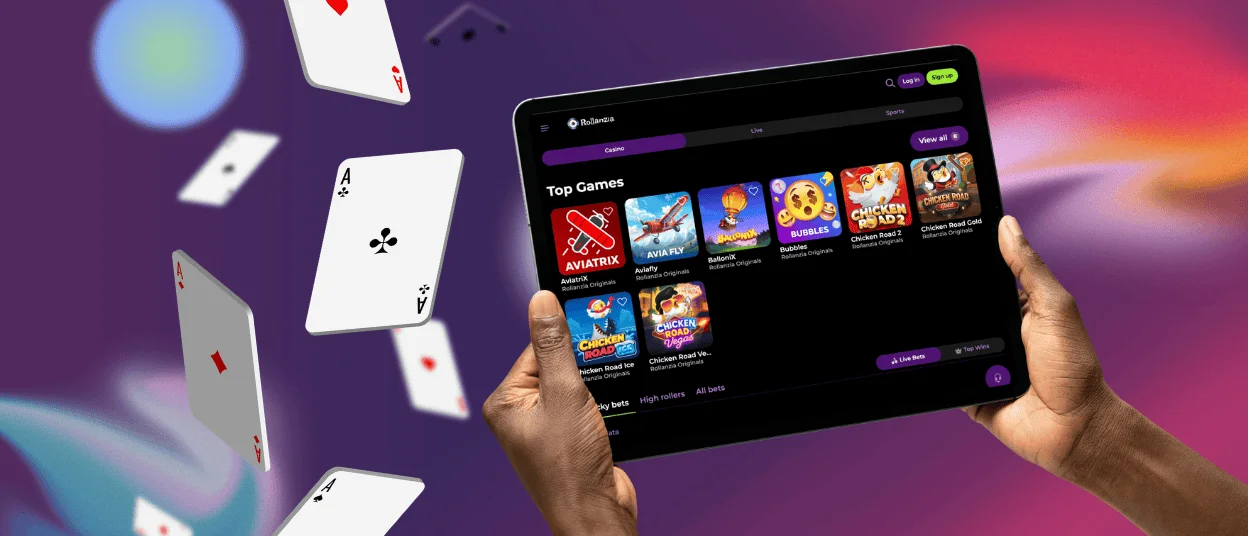
Short sessions on your iPhone or iPad will become much more comfortable with our mobile platform. You can log in within seconds using the same email and password as on your PC and start playing any titles. Your settings and favorite games automatically sync between devices.
To install the Rollanzia Casino app, follow this simple guide:
- Look to the right of the address bar and hit the “Share” icon. Then just select “Add to Home Screen.”
- You can rename the shortcut to whatever you like.
- Press “Add.”
The whole gaming experience is sped up even further with mobile payment systems like Apple Pay.
Desktop App for Windows and macOS
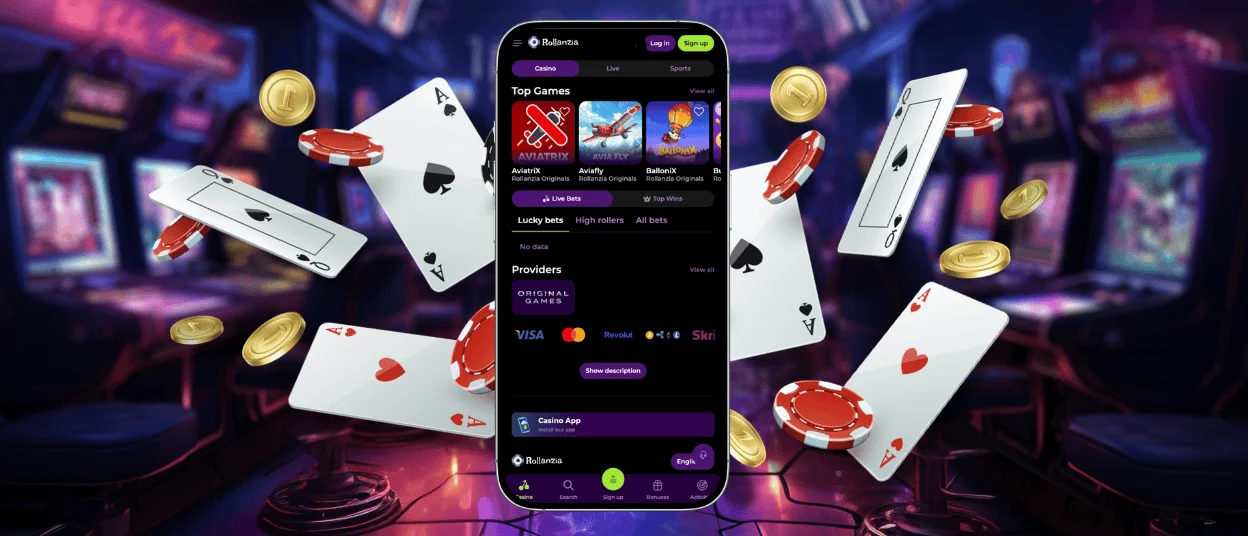
You do not have to stick to just your phone. The Rollanzia Casino app can actually be installed on a computer for a more classic setup. The installation is identical to the phone version and happens right on our website. A shortcut will appear on your desktop, allowing you to run it separately from your browser. It supports the usual Windows and macOS systems, along with other options like Linux.
Using a PC can be more convenient, especially if you like live blackjack or roulette. There are a lot of bets to manage, and it is great to have everything fit easily on one screen. Plus, you can play longer and not worry about your battery dying.
Rollanzia App Security
No matter where you launch the software, your safety and privacy are our priority. The Rollanzia app is set up to secure every piece of information you share. When you add funds, your transactions go through PCI-DSS-compliant payment processing, which is just a technical way of saying your debit card info is never exposed.
Our mobile platform also supports additional measures like 2FA and login alerts. You can control active sessions and close any you suspect are unauthorized.
FAQ
Does the Roll Anzia Casino App Offer Customer Support?
You get the exact same help as desktop users. Our support team is available through email or the built-in live chat. A big plus of the mobile app is that you can ask us anything on the go. If you run into an issue away from home, you don’t have to wait to get back to your computer. We will answer you instantly.
How Can I Update the Rollanzia Casino App?
There are no manual updates to worry about. Whenever we introduce new games or special activities, they sync automatically. You will see the latest version of the platform every time you tap the app icon.
Does Mobile Play Use a Lot of Data?
Regular slots use less data than real-dealer games. Live casino streams video, so it can consume much more. If your connection is limited or unstable, Wi-Fi is the better choice for live tables at Roll Anzia Casino.


